[Tutorial] Android TV: How to Install APK Files (Tested and Working in 2021)
![[Tutorial] Android TV: How to Install APK Files (Tested and Working in 2021)](https://devcdn.pseo.one/694b8c5feb29738fb9516944/694b8c5fd1cc3dd4fcb00fe5/tutorial-android-tv-how-to-install-apk-files-tested-and-working-in-2021/cover-install-apk-on-android-TV.png)
Tutorial Content:
2 minutes! That's all it takes to install any APK file onto your smart TV. (Tested and working as of May 2021.)
Due to the wide variety of Android TVs and their different app stores, many apps cannot be downloaded directly from the store. Did you know? In fact, any APK file can be transferred from your phone (or tablet) to your TV and installed directly.
For example, the TV version of Squirrel VPN is not available on domestic Android app stores, so how can users in China download and install it? Squirrel has launched this tutorial, which is simple and easy to learn. This tutorial is straightforward and effective. Please read the steps carefully and follow them closely; you will definitely succeed. Let's get started!
Step 0: Basic Principle
- Download the APK file to your phone or tablet.
- Transfer it to the TV, then open and install it on the TV.
To download the Squirrel Android TV version, you can visit the Squirrel VPN official website.
Step 1: Preparation
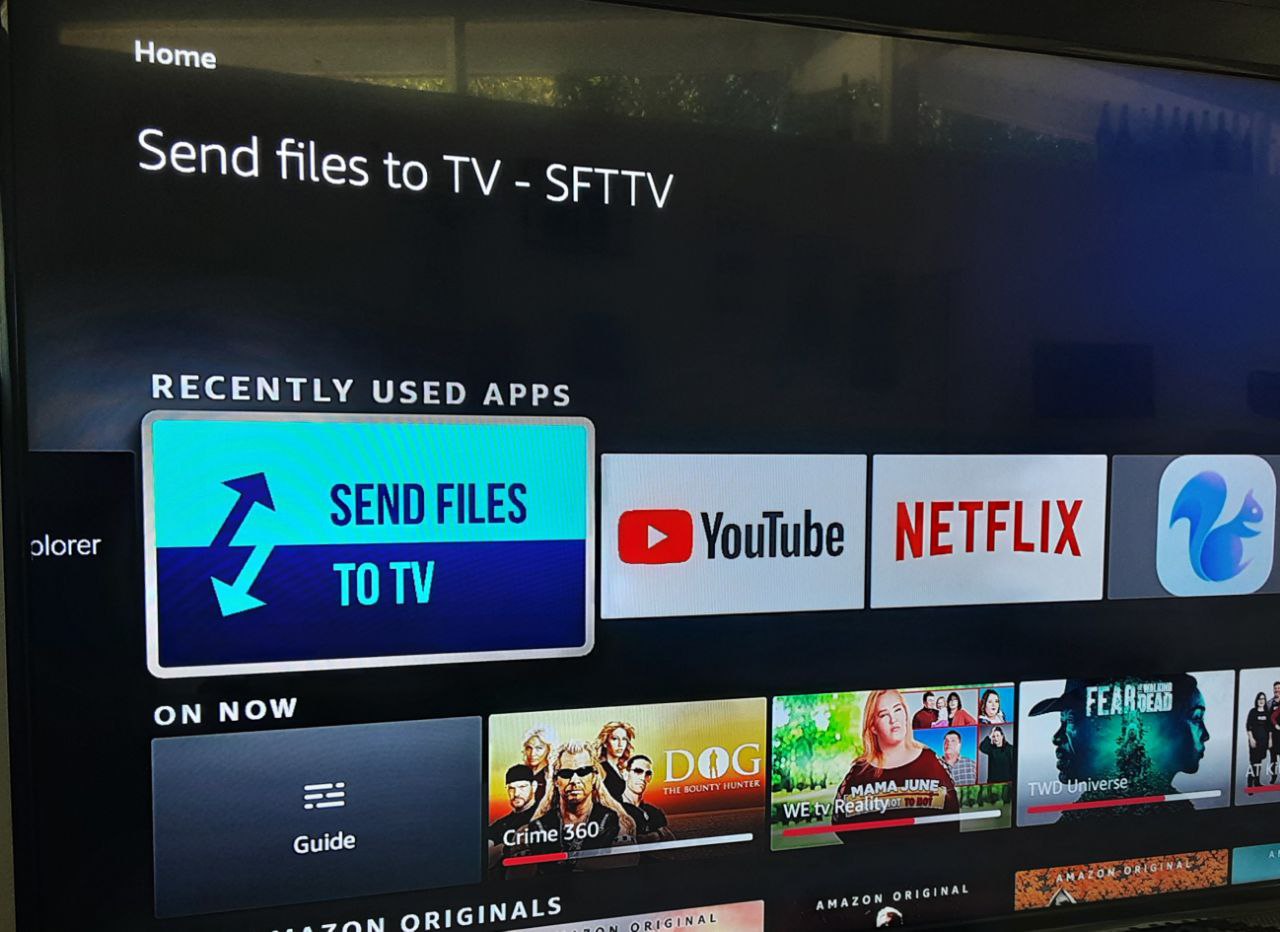
Both your phone and TV need to download the "Send files to TV" app:
Send files to TV Official Website This app is completely free, convenient, and fast; it is highly recommended. Google Play Link.
Your smart TV acts as the receiving end and must also have this app installed. You can find it by searching for "send files to TV" in your Android TV app store.
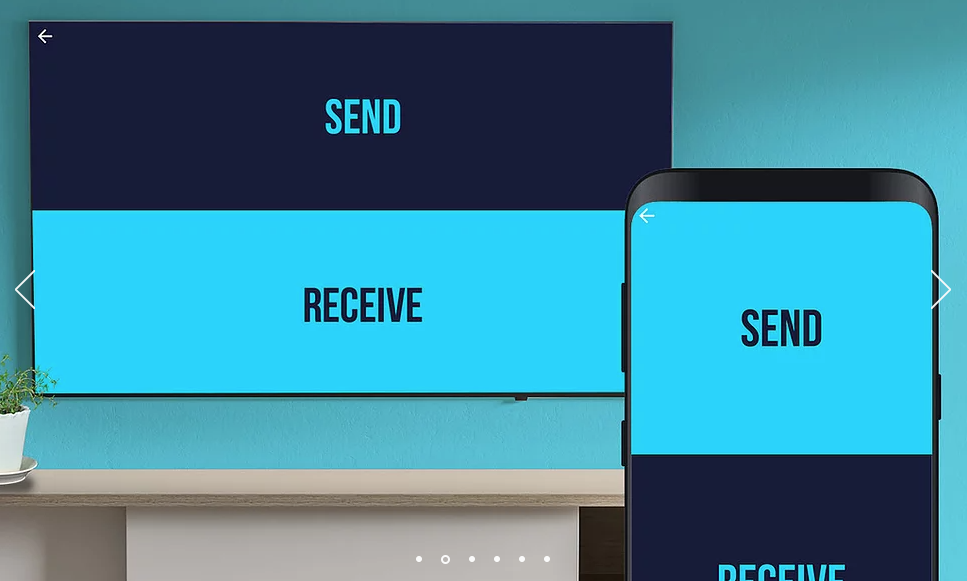
After downloading, open the app on both your phone and TV, and follow the prompts to complete the pairing.
Step 2: On your phone (or tablet): Send files
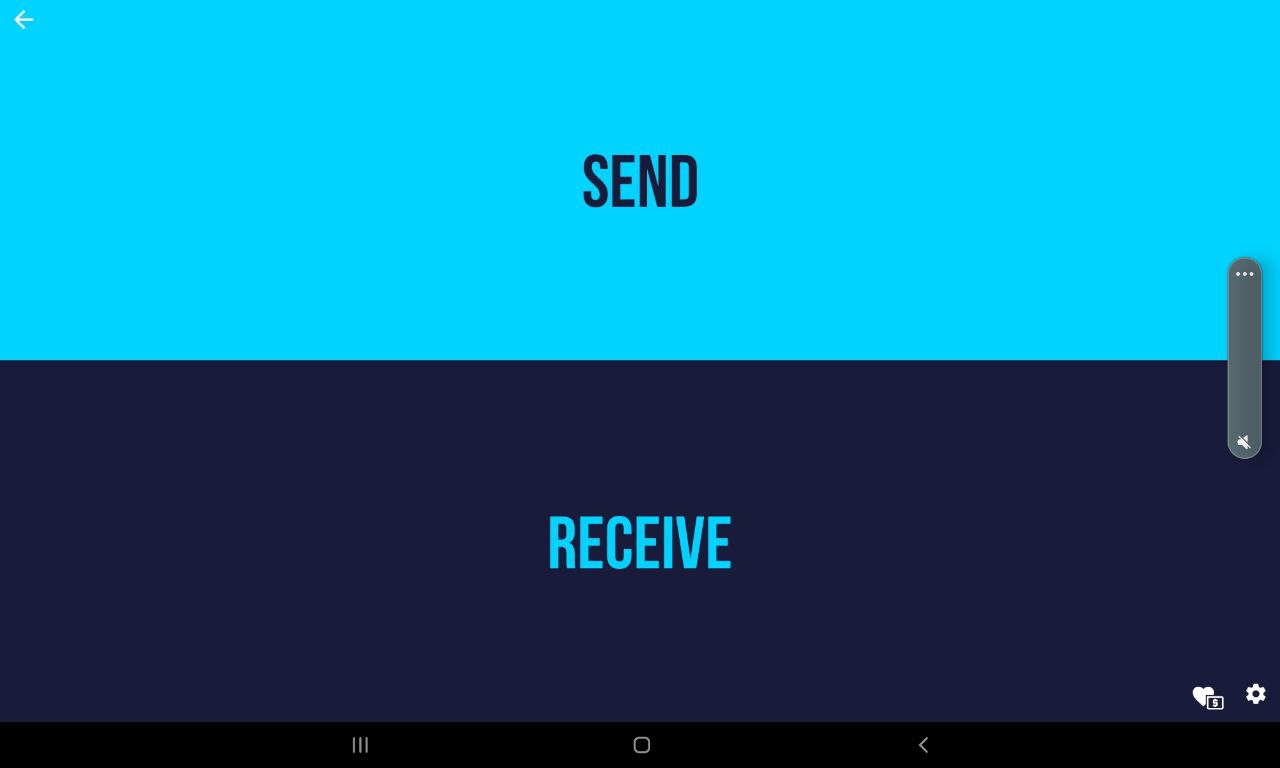
Open the downloaded app on your phone or tablet and select "Send".
Select the file; it is usually in the "Download" folder. Select the Squirrel APK file you just downloaded.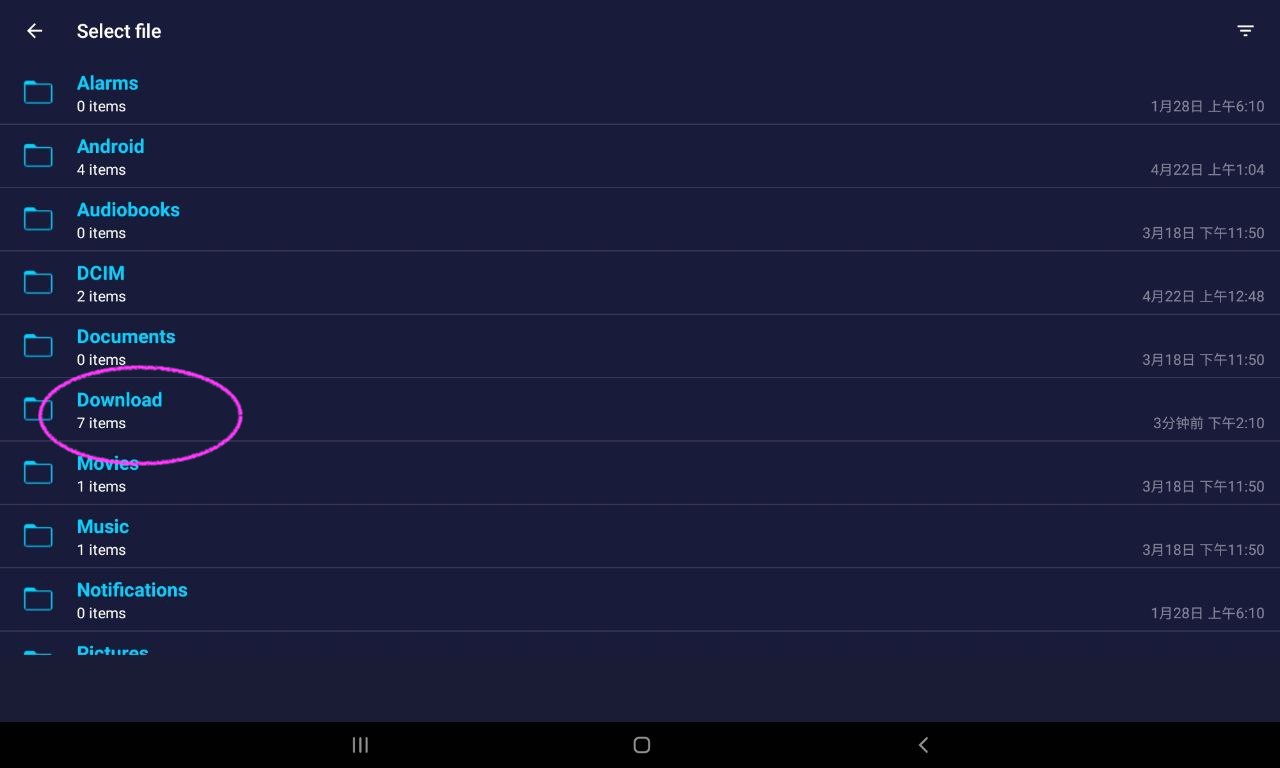
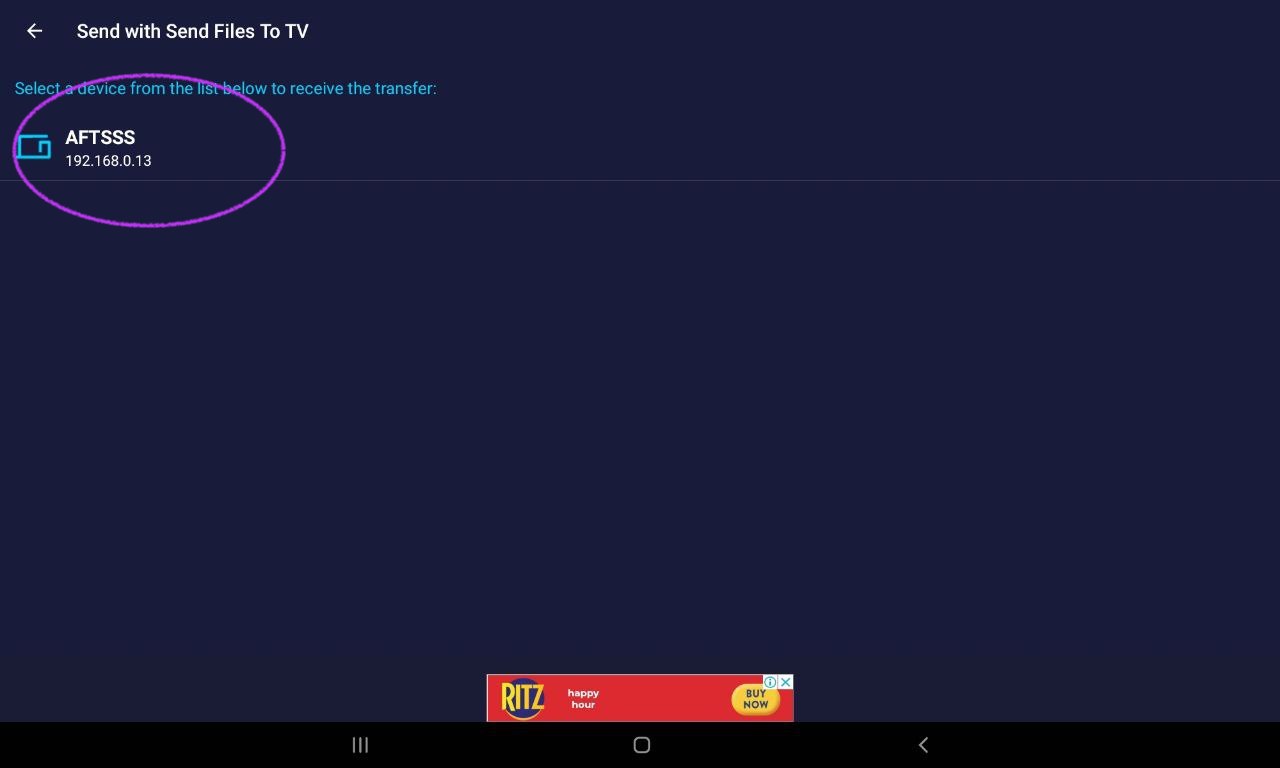
Once the TV is paired, you will see it listed. Click on it to complete the transfer.
Step 3: On your TV: Receive files
Open the downloaded app on your TV and select "Receive":
Select "Receive":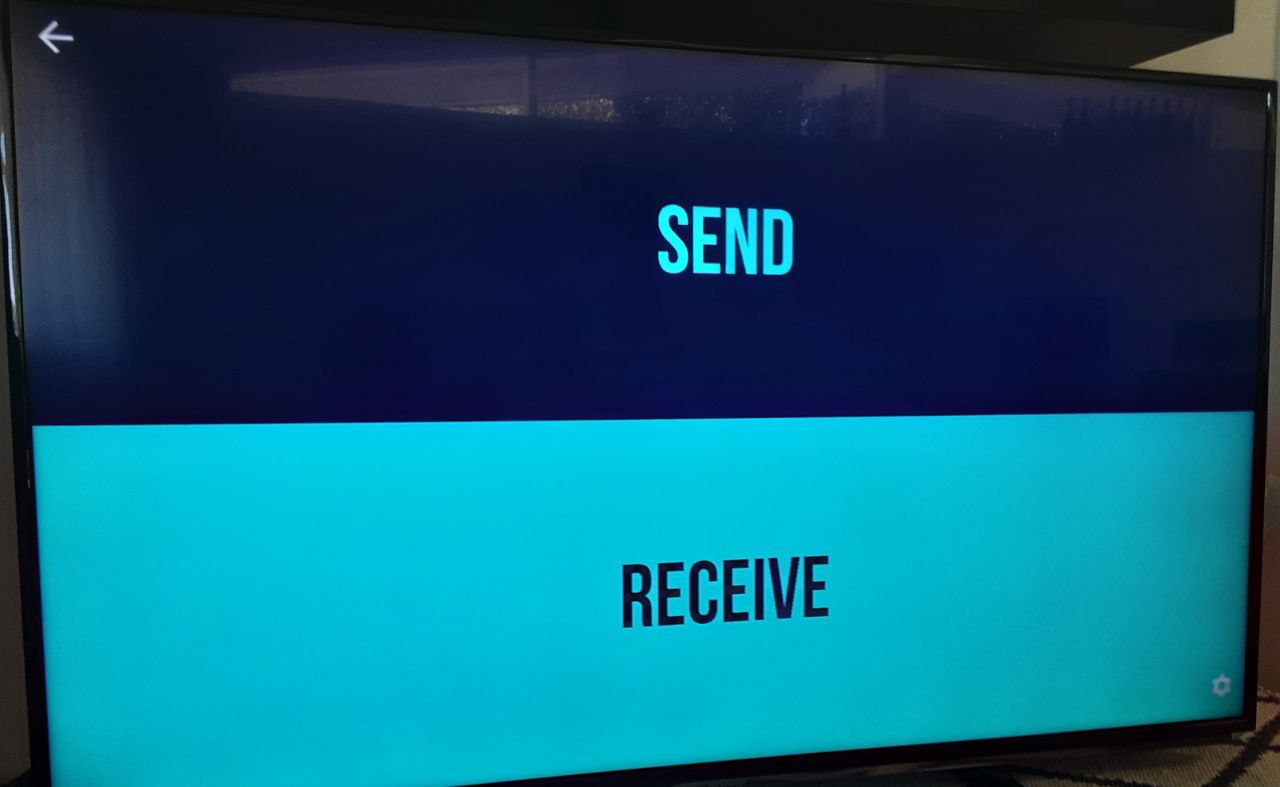
Receive the file.
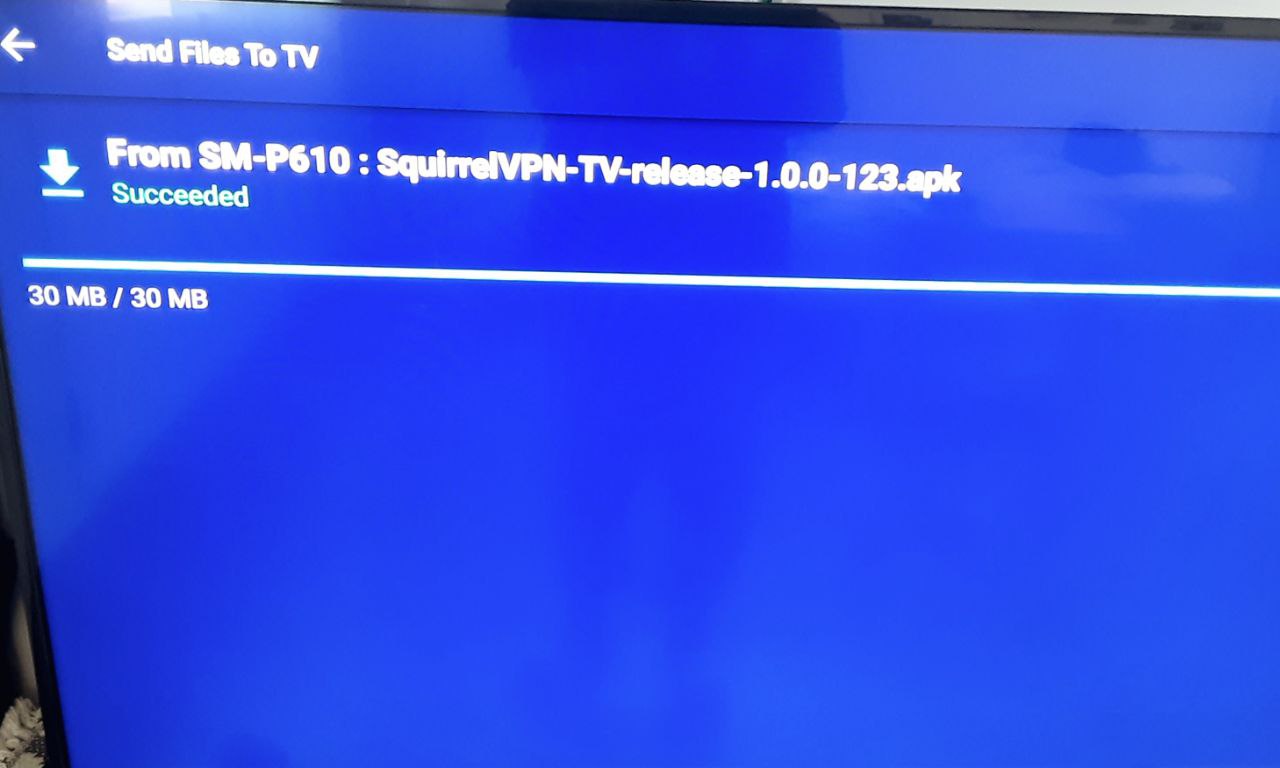
Step 4: Install the APK file
At this point, the APK file has been successfully transferred to your TV. We need a file browser to locate it.
This tutorial uses a Fire TV and uses "File Explorer" for file management. You can choose any file browser according to your TV model. (Open the app store and search for "File Browser" to find one.)
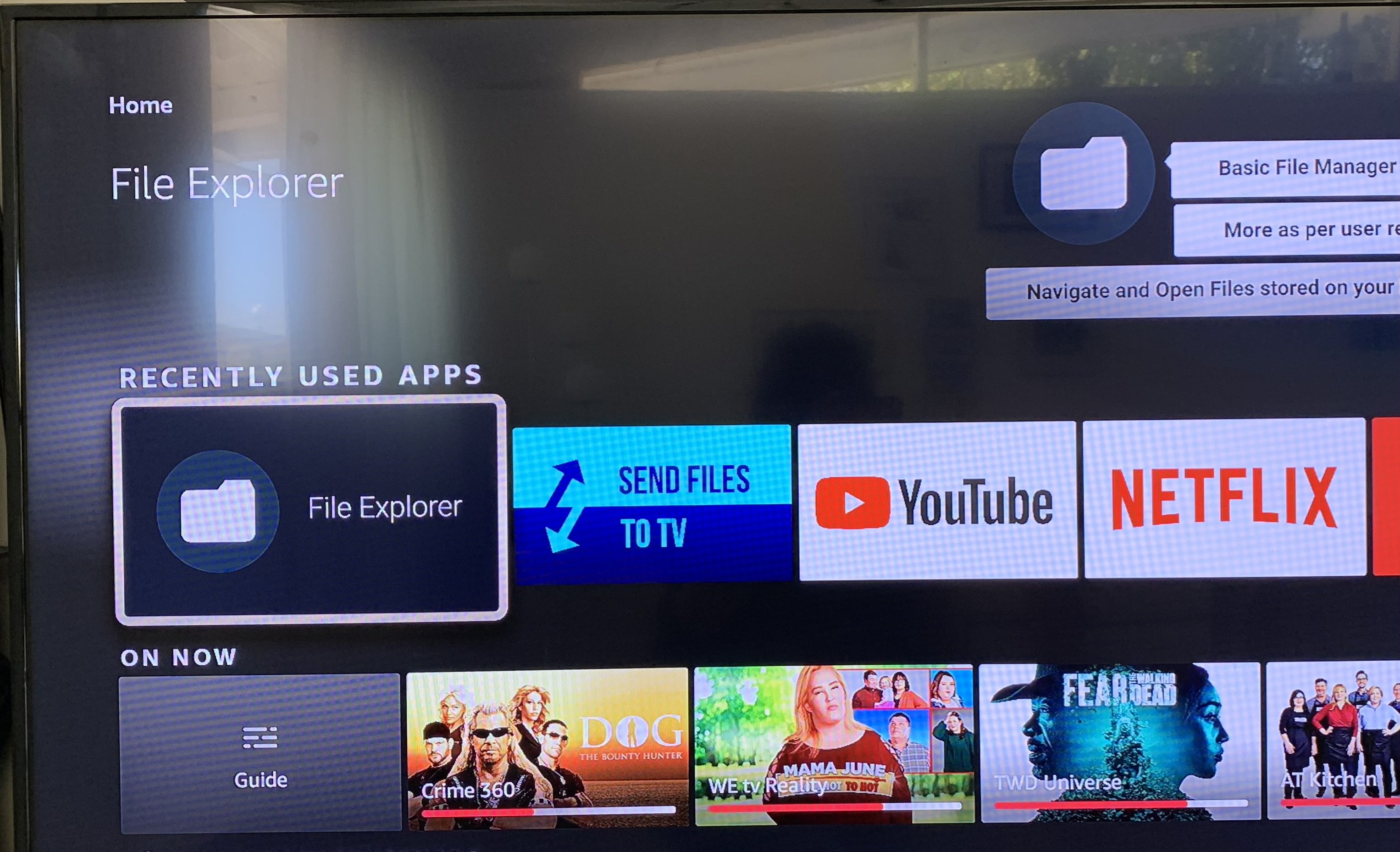
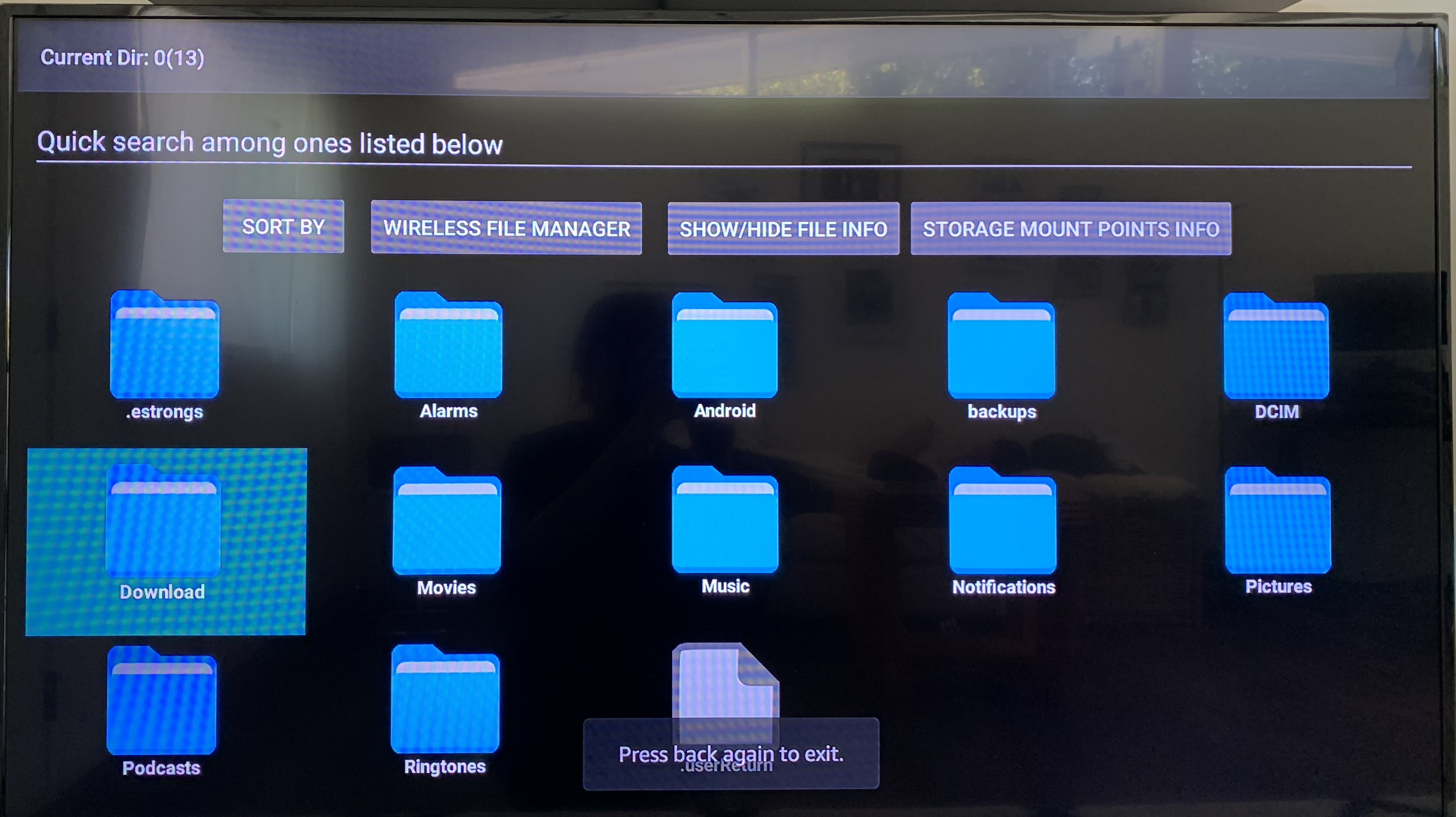
Usually, you can find the APK file in the "Download" folder:
Locate the file you want to install: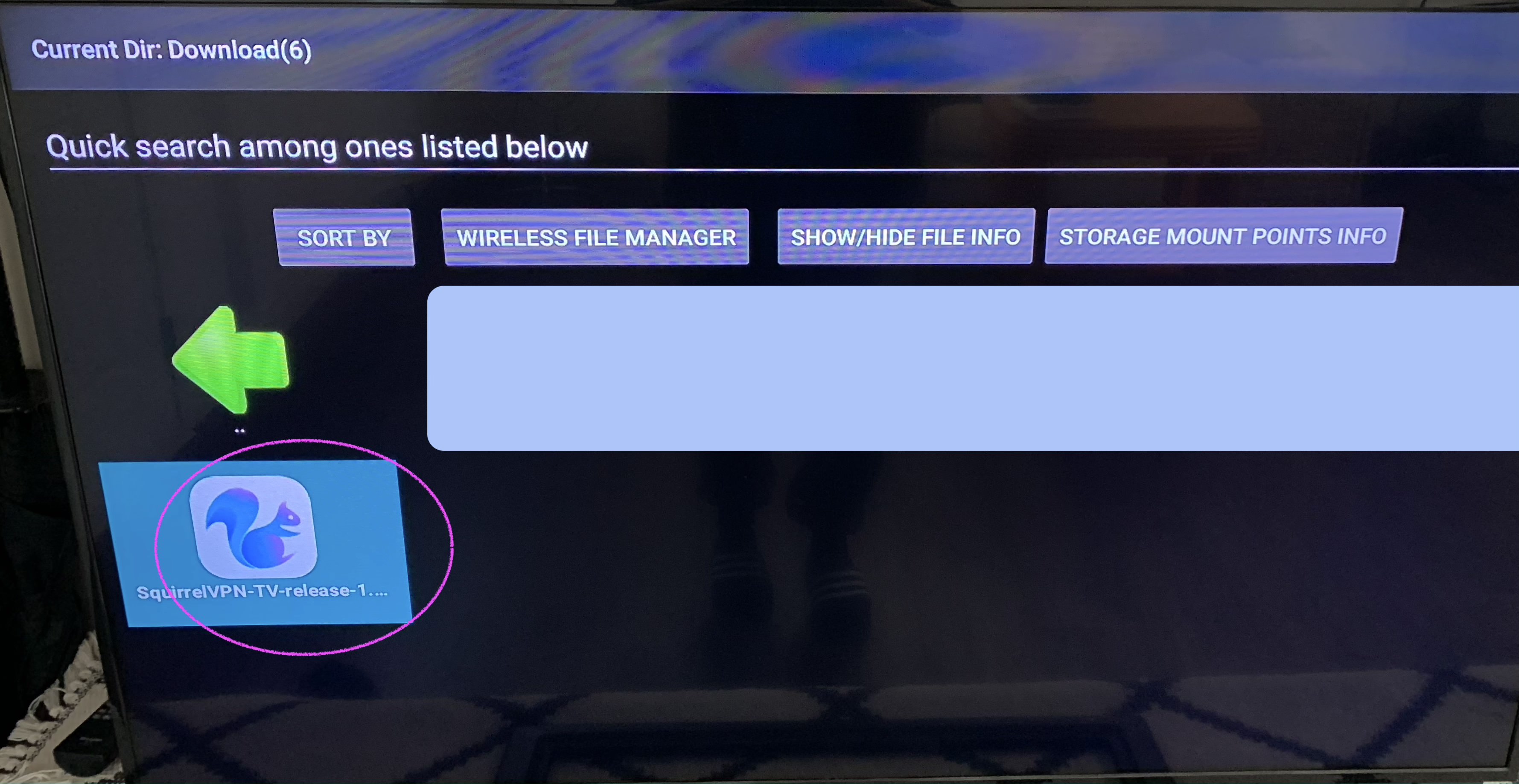
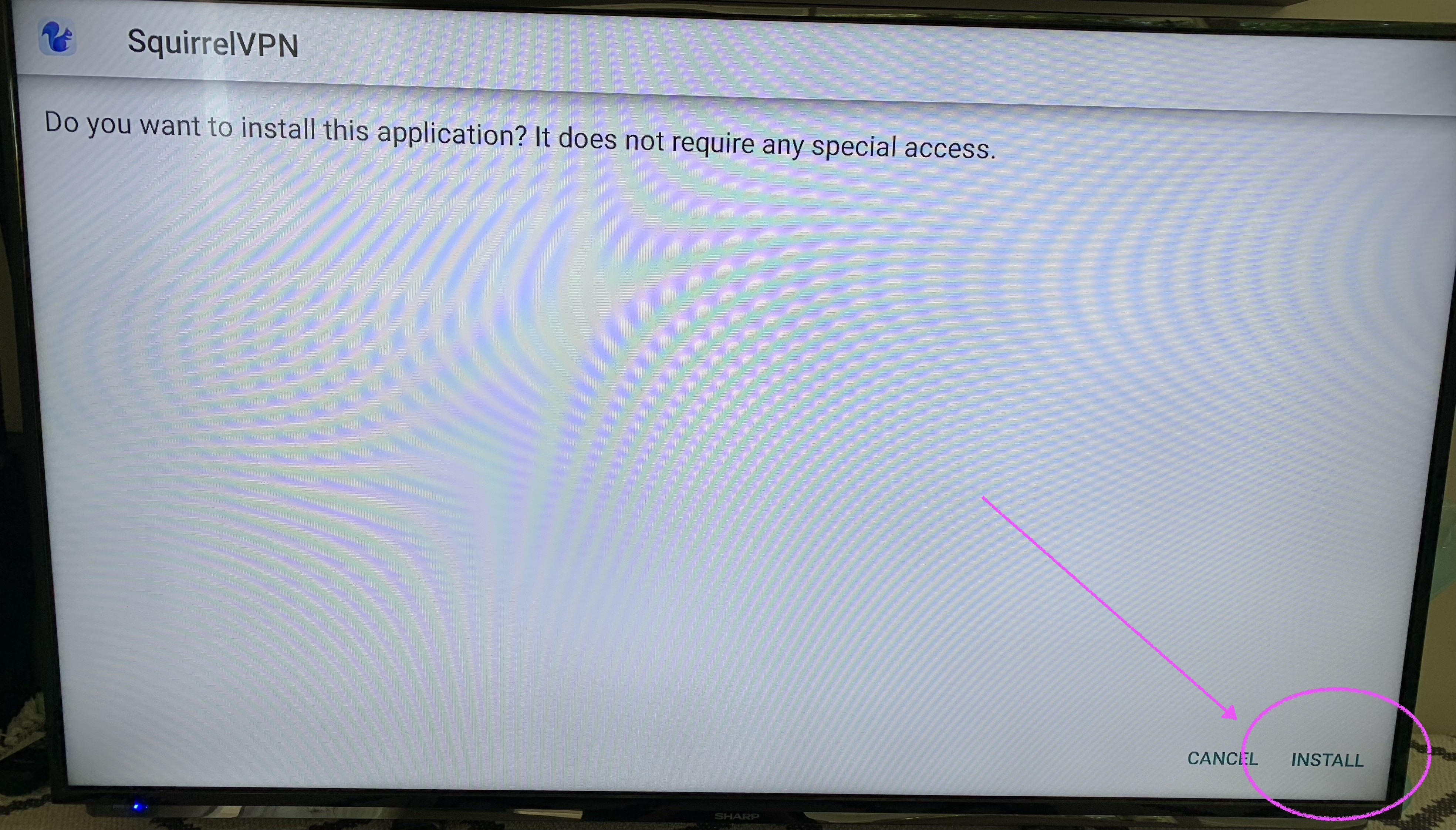
Install the APK package. Click "Install" to complete the installation.
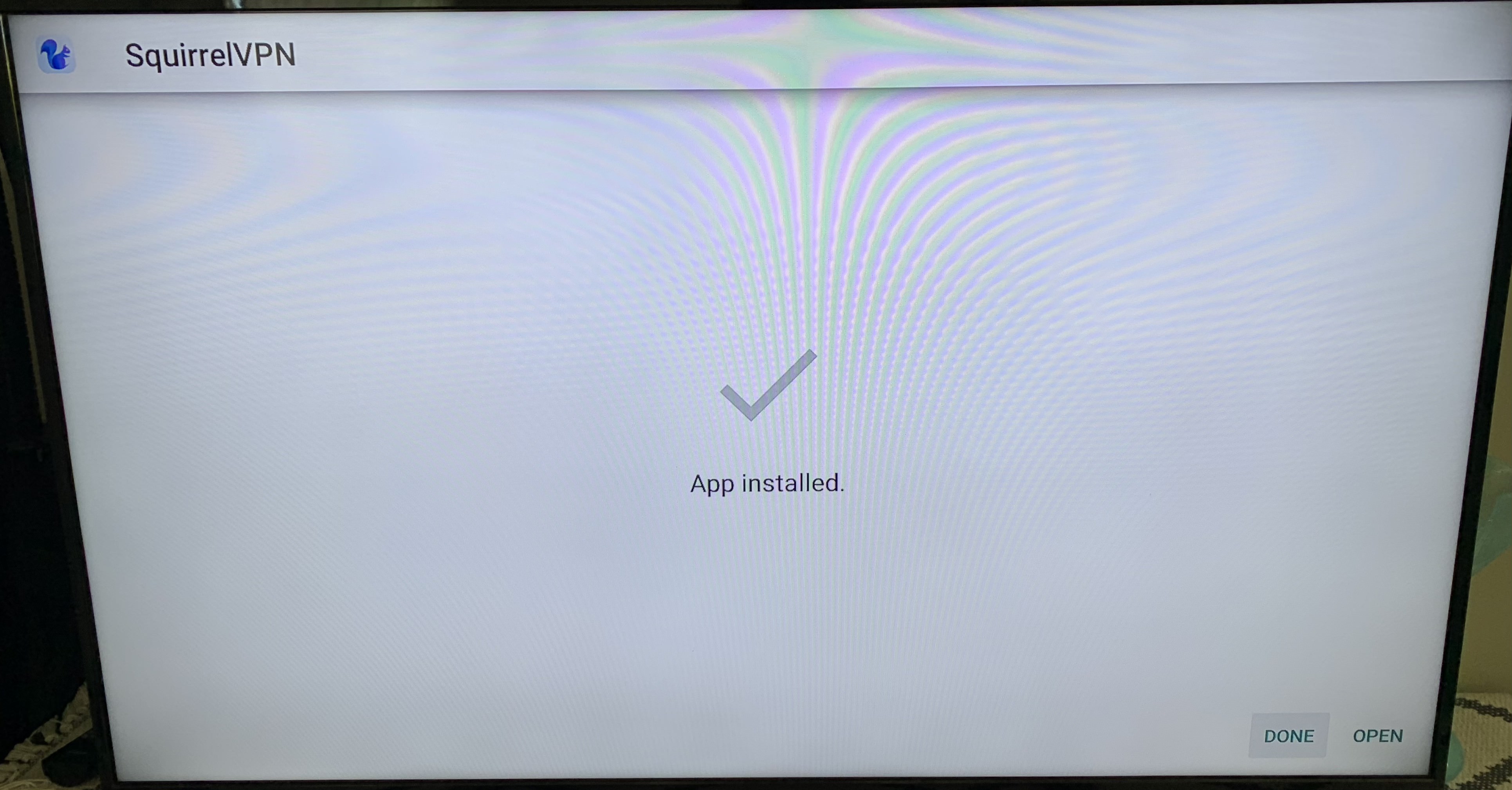
Installation complete! You can now see the new app on your Home screen!
Other Articles:
8 Minutes to Register a US Apple ID - 2022 1 Minute to Switch Apple Store Regions Squirrel VPN FAQ
Squirrel Official Website Backup Official Website (No VPN required)