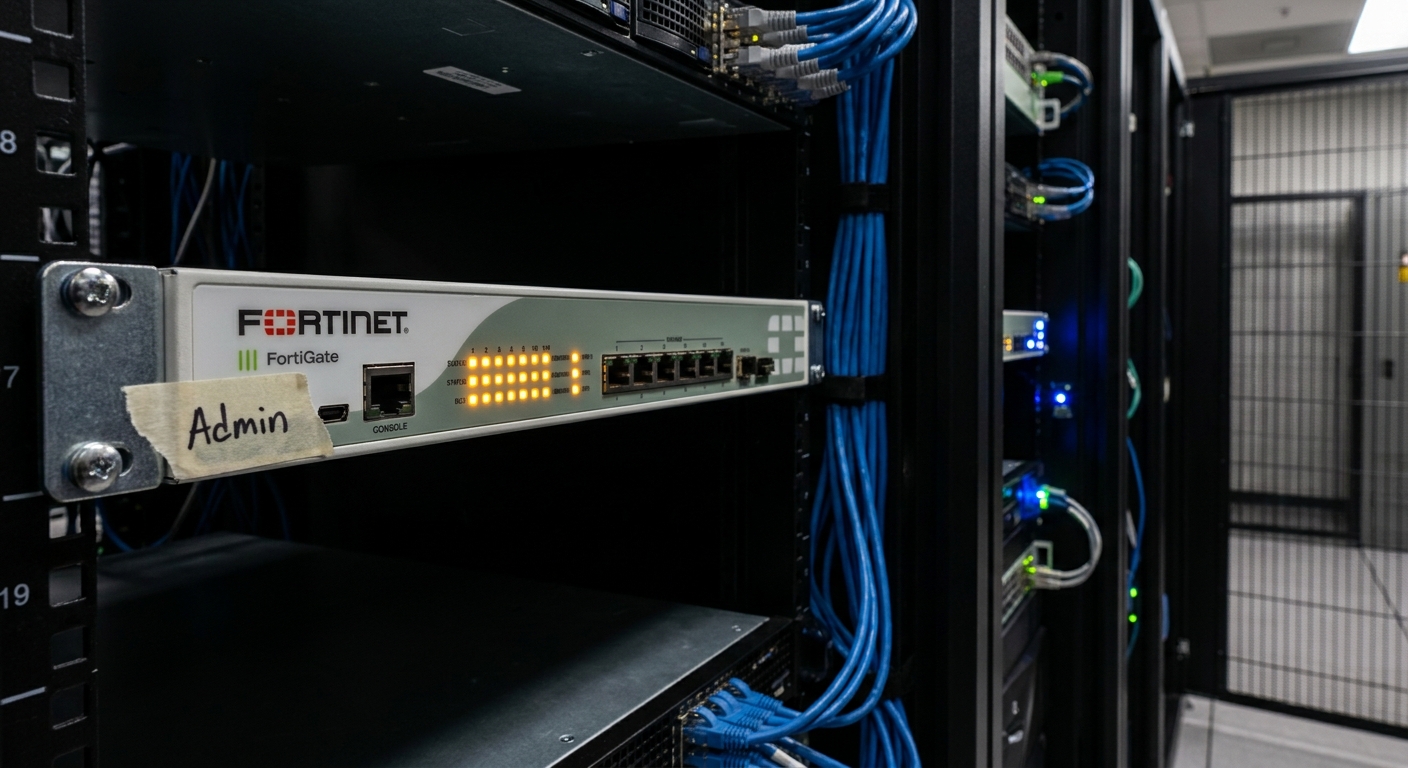
FortiBleed Vulnerability Exposes 75,000 Fortinet Firewalls to Active Exploitation in Global Enterprise Networks
TL;DR
- ✓ FortiBleed exploits exposed management interfaces rather than software vulnerabilities.
- ✓ Over 75,000 Fortinet devices are currently compromised via automated credential stuffing.
- ✓ Firmware patches fail to remove unauthorized access once credentials are stolen.
- ✓ Attackers establish persistent Ghost Access to bypass standard security audits.
- ✓ Zero-trust architecture is essential to restrict public exposure of admin portals.
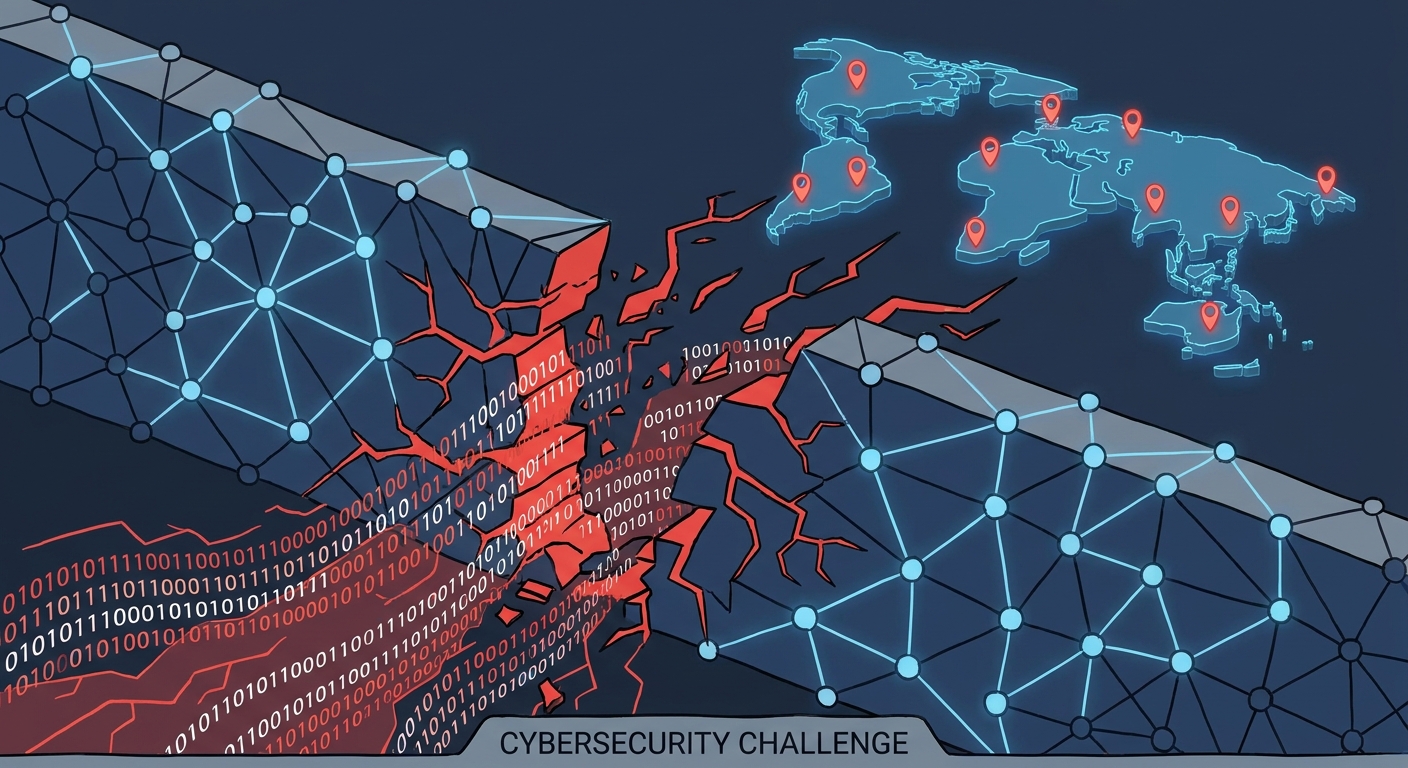
The "FortiBleed" campaign isn't just another headline. It’s a tectonic shift in how bad actors are dismantling enterprise security. Right now, roughly 75,000 internet-facing Fortinet firewalls and SSL VPN gateways across 194 countries are compromised.
Here’s the kicker: this isn't a software bug. You can’t just hit "update" and go back to your coffee. FortiBleed is a massive, automated credential-harvesting machine. It exploits the industry’s dirtiest secret—our reliance on static passwords and management interfaces left wide open to the public internet. For thousands of organizations, the frantic rush to patch is a total distraction. The attackers are already inside, and they’ve got the keys to the kingdom.
The Mechanics of the Breach: How 75,000 Devices Fell
FortiBleed works because it’s brutal in its simplicity. Why burn a million-dollar zero-day exploit when you can just walk through the front door?
Attackers are using sophisticated, automated botnets to hammer public-facing management interfaces with credential-stuffing attacks. If your IT team left an administrative portal or a VPN endpoint exposed to the open web, you’re on the menu. These bots systematically test millions of leaked or brute-forced passwords until they find a match.
Once they’re in, the botnet shifts gears. It stops scanning and starts digging in. They don’t need to bypass your firewall’s code; they just need to act like a legitimate user. As the Arctic Wolf FortiBleed Report points out, this scale is unprecedented. We’re talking about critical infrastructure and government entities that were supposed to be "hardened" targets.
The "No-Patch Paradox": Why Firmware Updates Won't Save You
There is a dangerous myth floating around IT departments right now: if we patch the firmware, we’re safe.
Wrong.
Think of it like this: a patch closes a door that was left unlocked. But in the case of FortiBleed, the bad guys already have the key. If you update your firmware, you’re just locking a door that someone is already standing inside of. A patch doesn't revoke a stolen session token. It doesn't delete the "backdoor" admin account the attacker created five minutes after their first login.
If they’ve authenticated with valid credentials, they’ve established "Ghost Access." They’re running persistent tunnels that bypass your standard security audits. Because they’re using valid credentials, their activity looks exactly like a normal employee logging in from home. To your intrusion detection systems, they’re invisible. If you’re banking on a firmware update to kill this threat, you’re essentially leaving your network open for business—for the hackers.
Immediate Action Plan: How to Secure Your Infrastructure Today
If you’re running Fortinet hardware for remote access, stop assuming you’re clean. Treat this as an active breach. Here is your tactical checklist to regain control.
Step 1: The Audit Quit looking for software bugs. Start looking for weird behavior. Dig into your VPN logs. Are there logins from geo-locations you don't do business in? Are there logins happening at 3:00 AM from unknown IP ranges? If it doesn't match your baseline, assume it’s a red flag. For a deeper look at how to structure these audits, refer to our guide on Securing Your Enterprise VPN: Best Practices.
Step 2: The Reset Credential rotation is no longer a "best practice"—it’s a survival tactic. Do a global reset of all VPN and admin passwords. Don't let users recycle their old ones, and if a service account looks even slightly squirrelly, kill it immediately.
Step 3: MFA Enforcement If you are still using single-factor authentication for your VPN, you are basically handing the keys to your network to anyone with a botnet. Move from "recommended" to "mandatory" Multi-Factor Authentication (MFA) across every single access point. If a piece of hardware can’t support MFA? Take it off the public-facing edge today.
Beyond the Perimeter: Transitioning to Zero-Trust
The FortiBleed mess is a brutal reminder that the "Hard Shell, Soft Center" security model is officially dead. The perimeter is porous. The network isn't a safe haven. The only way to win is to stop assuming that "successful login" equals "trusted user."
We need to move toward a Zero-Trust Architecture (ZTA). This makes stolen credentials worth a lot less. By enforcing identity-based access—checking user context, device health, and behavioral patterns for every single request—you stop relying on the firewall as the only source of truth. As outlined in the NIST Zero Trust Architecture Guide, the goal is to shift from "trust but verify" to "never trust, always verify." For teams looking to modernize, learning How to Implement Zero-Trust for Remote Teams is the best move you can make.
Proactive Threat Hunting: Catching Them Early
You can't fight a botnet with manual log reviews. It’s a losing battle. You need a pattern recognition engine that correlates geography, time, and frequency to spot anomalies in real-time.
By focusing on these traffic patterns, you can catch the attackers before they move laterally into your core servers. This is how you pivot from being a reactive target to a proactive hunter.
The Future: Hardening Your Gateway
The days of exposing management interfaces to the public internet are over. If an interface doesn't need to be reachable from the global web, hide it behind a jump box, a private network, or a ZTNA solution.
Furthermore, start checking device posture. Before a VPN tunnel is allowed to open, the gateway should verify that the device is encrypted, patched, and compliant with corporate policy. As noted in recent CISA Alerts on VPN Security, the vulnerability of these gateways is the #1 target for malicious actors. Shrinking your attack surface isn't just good advice; it’s the only way to stay in business.
Frequently Asked Questions
Does patching my Fortinet firewall protect me from FortiBleed?
No. Patching is necessary for general security, but because FortiBleed relies on valid credentials that have already been stolen, a firmware update does not evict an intruder who is already authenticated. You must force a credential reset and mandate MFA to secure your environment.
How do I know if my device was part of the 75,000 compromised firewalls?
Review your VPN and management logs for anomalous login times, unexpected geo-locations, and unusual administrative configuration changes. If you find any unauthorized activity that deviates from your baseline, you should assume your device was compromised and initiate a full incident response.
Why was this attack so successful?
The attack succeeded by exploiting the "low-hanging fruit" of poor password hygiene and exposed management interfaces. By automating the process of testing stolen credentials at scale, attackers were able to bypass traditional perimeter defenses without needing to find a single software vulnerability.
If I haven't seen suspicious activity yet, should I still reset my credentials?
Yes. Given the scale of the FortiBleed campaign, it is safer to assume that your credentials may have been harvested in a previous, unrelated data breach and are now being used by the botnet. Proactive credential rotation is the most effective way to invalidate any existing access the attackers might have.
How does Zero Trust prevent these types of credential-stuffing attacks?
Zero Trust architecture removes the inherent trust placed in a successful login. By requiring continuous verification of user identity, device posture, and context, ZTA ensures that even if an attacker possesses a valid password, they cannot access sensitive resources without meeting additional, dynamic security requirements.