Access Your Home Server Anywhere Without Port Forwarding

TL;DR
The Problem with Port Forwarding and Public Exposure
Traditional remote access relies on port forwarding, which creates a direct path from the public internet into your home network. While port forwarding technically works, it is an "open door" mistake. Once a port is exposed, automated scanners can discover it, testing for weak credentials or unpatched software. This turns a simple home server into a constant security maintenance burden.
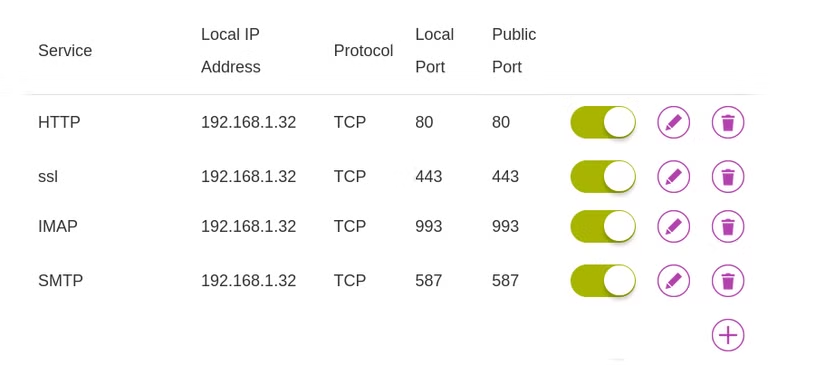
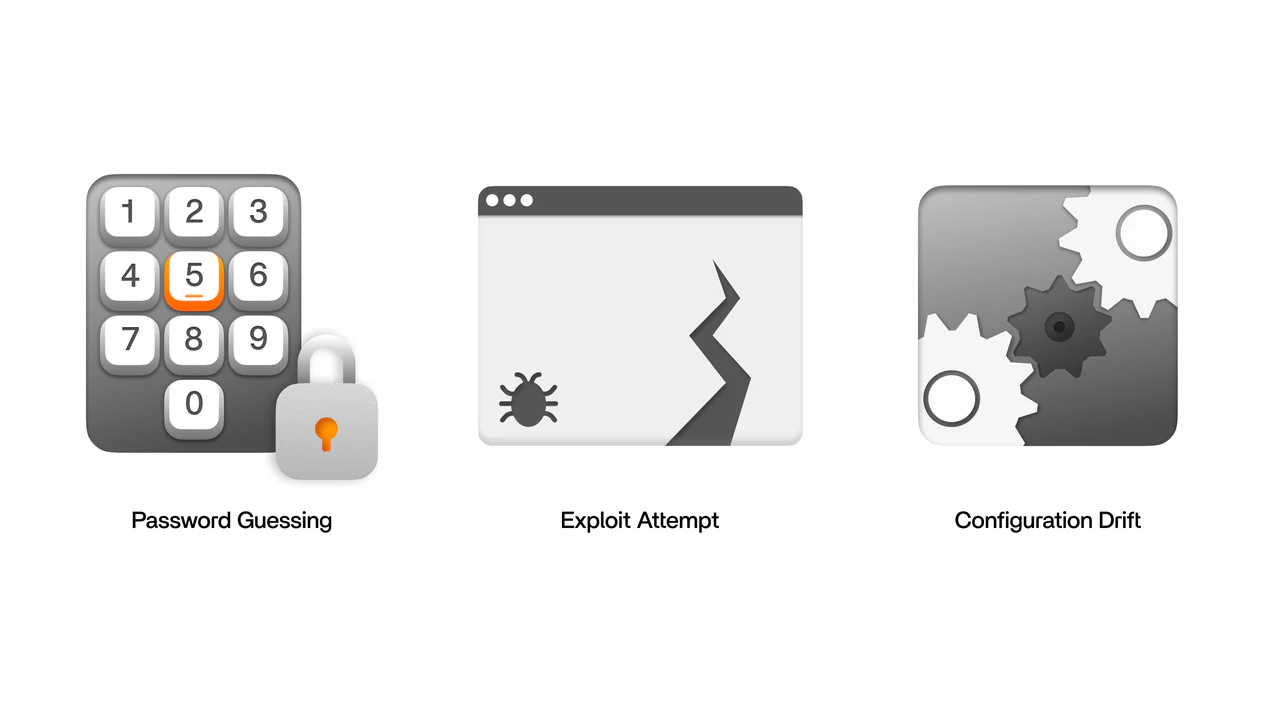
Using SquirrelVPN technology helps you avoid these risks by removing the need for public endpoints entirely. Public ports typically lead to three predictable risks: credential attacks, exploit attempts on unpatched services, and configuration drift where small changes quietly broaden access. By moving to an authenticated, encrypted tunnel, your home server stays private and reachable only by devices you explicitly approve.
Understanding Overlay Networks and Mesh VPNs
An overlay VPN creates a private network over the internet, allowing your devices to behave as if they are on the same local Wi-Fi regardless of physical distance. These tools are built on WireGuard, a modern protocol that offers high performance and strong cryptography. This setup is particularly effective for users dealing with Carrier-Grade NAT (CGNAT) or double NAT, where traditional port forwarding is impossible because the router lacks a unique public IPv4 address.
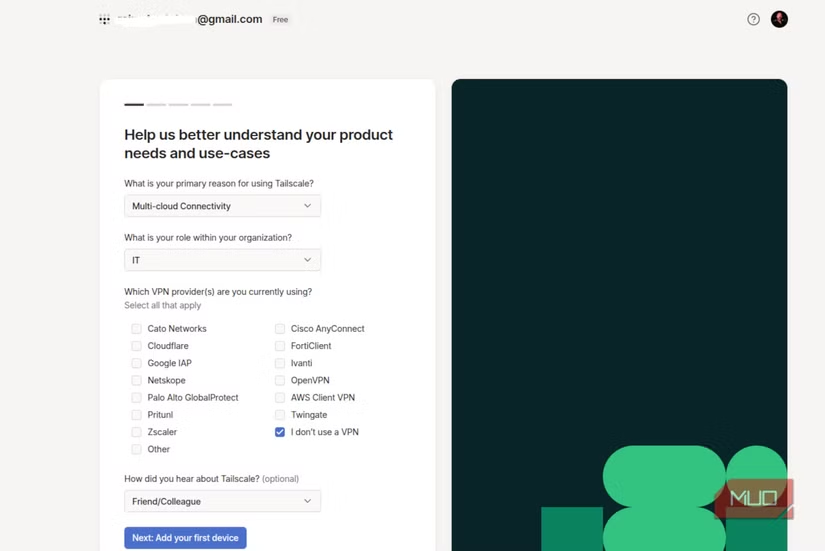
To get started, you simply install a client on your server and your remote devices. For example, a basic Linux installation involves:
curl -fsSL https://tailscale.com/install.sh | sh
sudo tailscale up
This process bypasses the need for dynamic DNS or complex firewall management. Once the devices are part of your private mesh network, they communicate through an encrypted tunnel that "punches out" through firewalls, requiring no incoming connections.
Securing File Access and Permissions
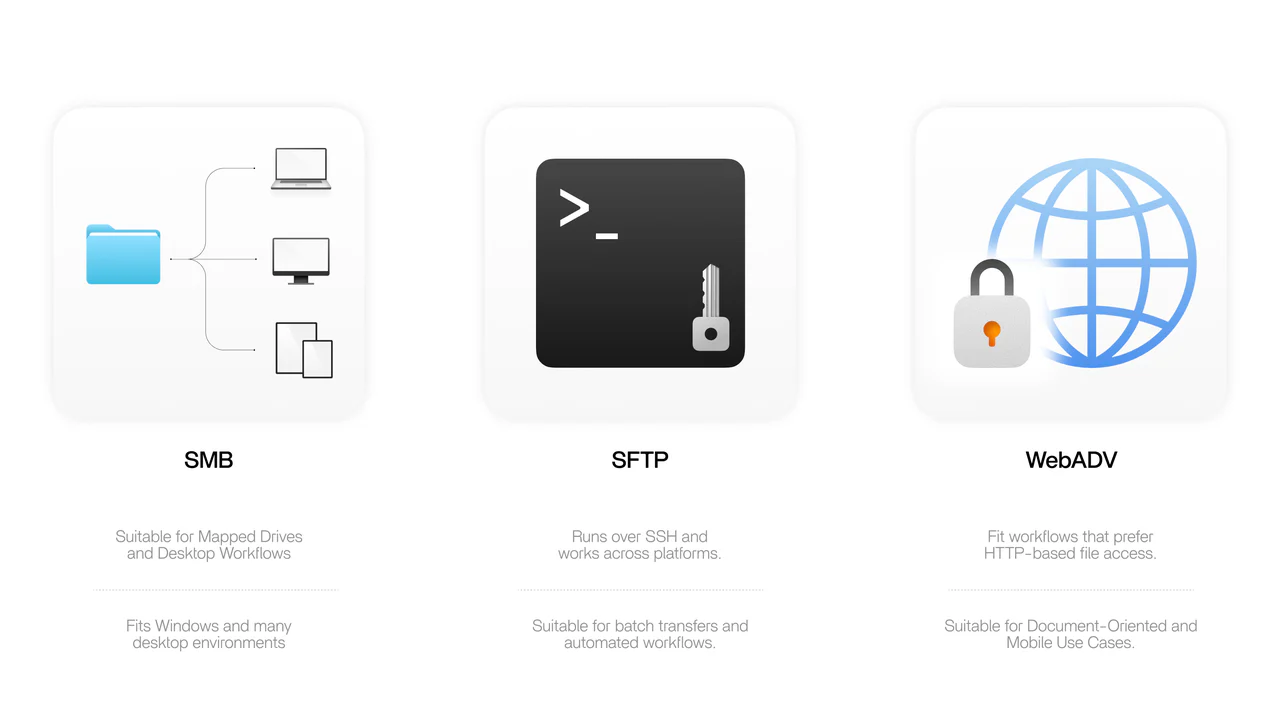
Protecting your data doesn't stop at the tunnel; you must also manage how files are accessed. Choosing the right protocol is essential for balancing speed and security. SMB is excellent for mapped drives on Windows, while SFTP (SSH File Transfer Protocol) provides a cleaner security boundary for batch transfers.
Natalie’s Quick Security Checklist:
- Use Non-Admin Accounts: Never use your main admin account for daily file access.
- Enable Multi-Factor Authentication (MFA): Always lock down the account controlling your private network.
- Disable Guest Access: Ensure every connection requires a unique, strong passphrase.
- Set Read-Only Permissions: For media libraries or archives, keep permissions restricted to prevent accidental deletion.
Advanced Remote Access: Reverse SSH and Funnels
For users needing to expose a specific service to someone outside their private network, tools like Tailscale Funnel or Reverse SSH Tunnels offer a controlled way to share apps without exposing your home IP. A reverse tunnel works by having your home computer initiate an outbound connection to a VPS (Virtual Private Server). This connection carries traffic backward, allowing you to reach your home SSH port via the VPS's public IP.
If you are using a Funnel, the traffic is automatically encrypted with HTTPS via Let's Encrypt. This is ideal for quick demos or webhook receivers. However, remember that these services do not always provide an authentication layer; your application must handle its own login security to prevent unauthorized access from the public internet.
Troubleshooting and Performance Optimization
Even the best setups can face hurdles like latency or restricted hotel Wi-Fi. If your connection drops, enabling "persistent keepalive" in your WireGuard configuration can prevent NAT timeouts from breaking the tunnel. For slow speeds during large transfers, switching from SMB to SFTP often reduces protocol overhead.
| Symptom | Likely Cause | Practical Fix |
|---|---|---|
| Works on cellular, fails on hotel WiFi | Firewall rules/Captive portal | Enable keepalive or try alternate ports |
| Tunnel connects, but browsing is slow | Latency or SMB overhead | Use SFTP or tune SMB settings |
| Speeds drop under load | CPU bound encryption | Check CPU usage on your home server |
By following these steps, you can ensure your Nextcloud, Plex, or Home Assistant remains accessible and secure.
Stay ahead of the latest cybersecurity threats and optimize your digital life with expert insights. Visit squirrelvpn.com to explore our cutting-edge privacy tools and secure your connection today.