Multi-hop Routing Architectures for Censorship Resistance
TL;DR
Why Single-Hop VPNs are Failing in 2024
Ever tried accessing a site from a hotel or a restrictive country only to find your "reliable" VPN just... hangs? It's frustrating because the tech we relied on for a decade is hitting a wall.
The biggest issue is that many popular providers rely on well-known server ranges. If you're an isp or a government censor, it's trivial to see 5,000 people connecting to one address in a data center facility. According to Freedom on the Net 2023 by Freedom House, governments are getting much better at "technical blocks" including IP filtering.
- Centralized clusters: When you use a standard vpn, you're usually hitting a known server range. Once that range is flagged, the whole service goes dark for everyone in that region.
- Easy Fingerprinting: Datacenter traffic looks fundamentally different than residential traffic. It's like wearing a neon sign in a dark alley.

Encryption isn't a silver bullet anymore. Modern firewalls use DPI to look at the "shape" of your data packets. Even if they can't read the content, they recognize the handshake of protocols like OpenVPN or even wireguard.
"Simple encryption hides the message, but it doesn't hide the fact that you're sending a secret message in the first place."
In industries like finance or healthcare where workers travel to high-risk zones, relying on a single-hop setup is becoming a liability. If the isp sees the vpn signature, they just throttle the connection to 1kbps or drop it entirely. We need to move toward architectures that look like normal web traffic, which is what we'll dig into with multi-hop and dVPN tech next.
The Role of DePIN in Censorship Resistance
Ever wondered why your home internet feels "safer" than a coffee shop wifi? It’s because residential ips carry a trust score that data centers just can't touch.
The core of depin (Decentralized Physical Infrastructure Networks) is turning regular homes into the backbone of the web. Instead of renting a rack in a warehouse, we’re using p2p bandwidth sharing to route traffic through real living rooms.
- Residential Camouflage: When you use a node in a neighbor's house, your traffic looks like Netflix or a Zoom call. This makes "IP filtering"—which the previously cited Freedom House report highlighted as a growing threat—way harder for censors to pull off.
- Node Diversity: Since these nodes are run by individuals on different ISPs, there's no single "kill switch." If a provider in Turkey blocks a specific node, the network just shifts your traffic to a node in Cairo or Berlin.
According to the 2024 DePIN Report by CoinGecko, the growth of decentralized networks is driven by this "flywheel effect." The report notes a massive 400% increase in active nodes across major depin protocols last year, which is why the network is getting so much harder to censor.
- Proof of Bandwidth: Nodes must prove they actually have the speed they claim before they can earn rewards.
- Automated Settlement: Micropayments happen on-chain, ensuring node operators stay online.
- Slashing Risks: If a node goes offline or tries to sniff traffic, they lose their staked tokens.

Understanding Multi-hop Architectures in dVPNs
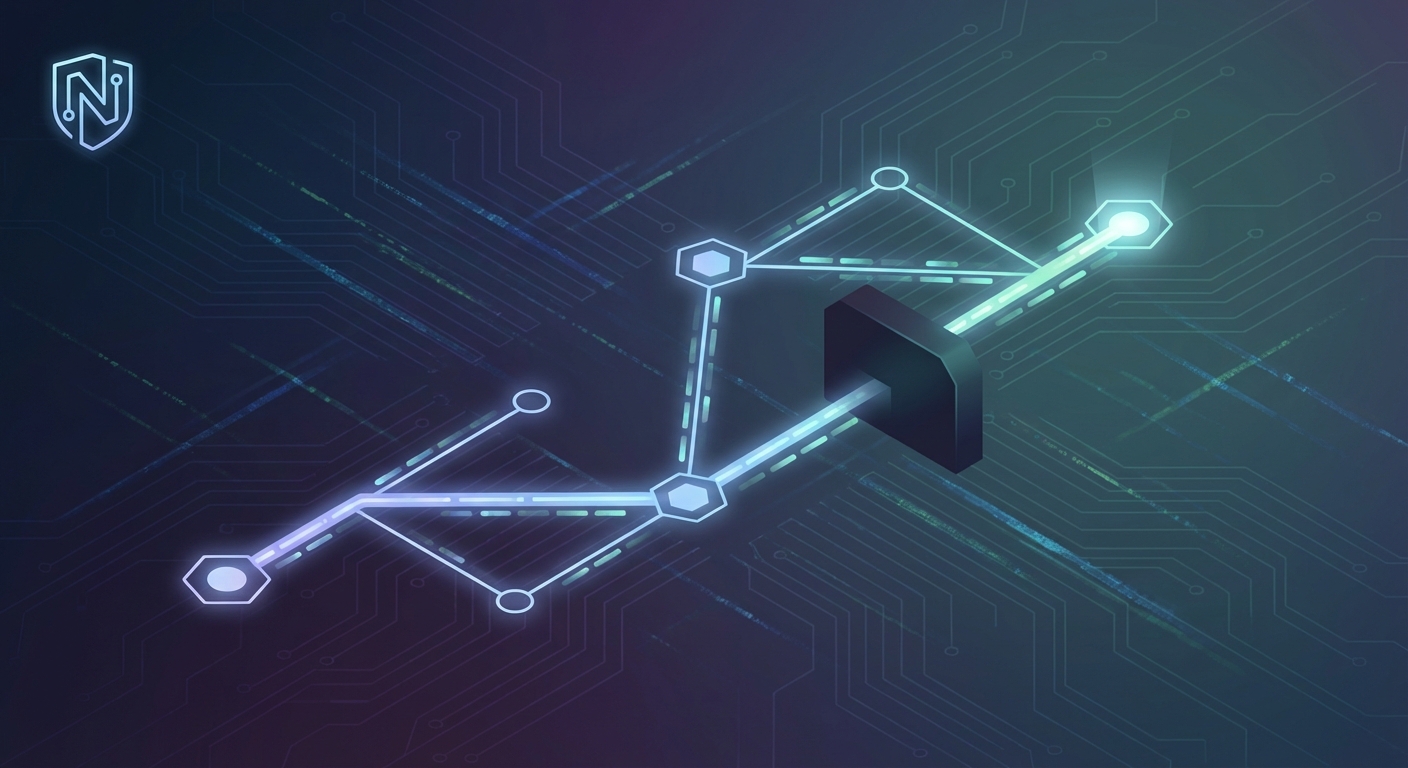
So, if single-hop is a flashing neon sign, multi-hop is like disappearing into a crowd at a busy train station. Instead of one straight tunnel to a datacenter, your data bounces through several residential nodes, making it nearly impossible for an isp to pin down where you're actually going.
In a dVPN, we use a logic similar to the tor network but optimized for speed. You aren't just connecting to "a server"; you're building a circuit through the community. Each hop only knows the address of the node before it and the node after it.
- Entry Nodes: This is your first stop. It sees your real ip but has no clue what your final destination is. Because these are often residential ips, they don't trigger the same "datacenter" alarms in firewalls.
- Middle Nodes: These are the workhorses. They just pass encrypted traffic along. They don't see your ip, and they don't see your data. It’s just layers of encryption all the way down.
- Exit Nodes: This is where your traffic hits the open web. To the website you're visiting, you look like a local user browsing from a home connection.

You might wonder why some guy in Berlin or Tokyo would let your traffic pass through his home router. This is where the web3 stuff actually gets useful. In a p2p network, node operators earn tokens for providing bandwidth.
Think of it like an "Airbnb for bandwidth." If I have a 1Gbps fiber connection and I'm only using a fraction of it, I can run a node and earn crypto rewards. This creates a massive, distributed pool of ips that keeps growing.
Staying Ahead with SquirrelVPN Insights
SquirrelVPN is a tool that simplifies this whole mess by automating the connection to these decentralized p2p meshes. It basically acts as the bridge between your device and the depin ecosystem.
Ever feel like you’re playing a game of cat and mouse with your own internet connection? One day your config works, the next morning you're staring at a timed-out terminal because some middlebox decided your wireguard handshake looked "suspicious."
To stay ahead, we gotta stop thinking about vpn as a static tunnel. The real magic happens when we layer protocols. For example, wrapping wireguard inside a tls tunnel or using obfuscation tools like shadowsocks to make your traffic look like standard web browsing.
In a multi-hop context, this obfuscation is usually applied by your client software before the traffic even hits the Entry Node. This ensures that the very first "hop" is already hidden from your local isp.
- Dynamic Path Selection: Modern dvpn clients don't just pick a node; they test for latency and packet loss across multiple hops in real-time.
- Residential IP Rotation: Since these nodes are home connections, they don't have that "datacenter smell" that triggers automatic blocks in retail or finance apps.
- Protocol Camouflage: Advanced nodes use obfuscation to hide the wireguard header, making it look like a regular https call.

Honestly, it’s about resilience. If a node goes down or gets blacklisted, the network just routes around it. Next, let’s look at how we actually configure these p2p meshes.
Technical Challenges of Multi-hop Tunneling
Building a multi-hop mesh isn't just about chaining servers; it’s about fighting physics while trying to stay invisible. Every extra hop adds "distance" your data has to travel, and if your routing protocol is trash, your connection will feel like dial-up.
- Routing Overhead: Each hop requires a new layer of encryption/decryption. If you're using something heavy like OpenVPN, your cpu will scream; that’s why we stick to wireguard for its lean codebase.
- Path Optimization: You can't just pick nodes at random. Smart clients use "latency-aware" routing to find the shortest path through the most trusted residential ips.
How do we know a node operator isn't just a sybil node (where one actor creates multiple fake identities to subvert the network) lying about their speed? We need a way to verify throughput without compromising privacy.
- Active Probing: The network sends "junk" encrypted packets to measure real-time capacity.
- Staking Requirements: As previously discussed regarding depin rewards, nodes must lock up tokens. If they fail the bandwidth proof, they get slashed.

Appendix: Sample Multi-Hop Configuration
To give you an idea of how this looks under the hood, here is a simplified example of how you might chain two wireguard nodes. In a real dVPN, the client software handles the key exchange and routing tables automatically, but the logic remains the same.
Client Config (to Entry Node):
[Interface]
PrivateKey = <Client_Private_Key>
Address = 10.0.0.2/32
DNS = 1.1.1.1

# The Entry Node
[Peer]
PublicKey = <Entry_Node_Public_Key>
Endpoint = 1.2.3.4:51820
AllowedIPs = 0.0.0.0/0
Entry Node Routing (to Exit Node):
On the Entry Node, we don't just decrypt; we forward the traffic through another wireguard interface (wg1) that points to the Exit Node.
# Forwarding traffic from wg0 to wg1
iptables -A FORWARD -i wg0 -o wg1 -j ACCEPT
iptables -t nat -A POSTROUTING -o wg1 -j MASQUERADE
Obfuscation Example (Shadowsocks Wrapper):
If you're using shadowsocks to hide the wireguard handshake, your client would connect to a local port that tunnels to the remote server:
ss-local -s <Remote_IP> -p 8388 -l 1080 -k <Password> -m aes-256-gcm
# Then route wireguard traffic through this local socks5 proxy
Honestly, the tech is still evolving. But as mentioned earlier in the coinGecko report, the sheer growth of these networks shows we're moving toward a more resilient, p2p internet. It’s messy, but it’s ours. Stay safe out there and keep your configs tight.